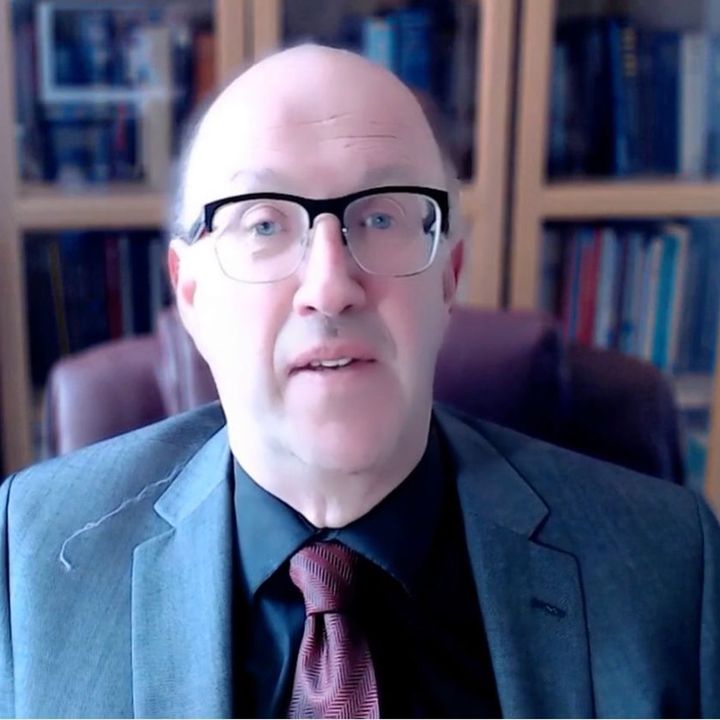
Click on Play (>) to watch the video
Providing the right technical equipment and adaptive tools is an incredibly practical way to support a colleague returning to work during or after cancer treatment. The physical and cognitive side effects of cancer therapies—such as peripheral neuropathy (numbness or tingling in the fingers caused by chemotherapy) and “chemo brain” (temporary struggles with memory, focus, and mental processing)—can make interacting with standard office equipment incredibly exhausting. To ease this friction, organisations should look at implementing specialized input hardware. For individuals experiencing joint pain or numb fingertips, replacing a standard keyboard and mouse with highly sensitive, ergonomic alternatives, or adding soft gel wrist rests, can drastically reduce discomfort. Furthermore, providing advanced speech-to-text dictation software allows a colleague to draft emails and write reports using their voice, bypassing the physical strain of typing entirely during days when their hands are painful or fatigued. Alongside hardware adaptations, adjusting a colleague’s digital workspace can significantly reduce cognitive fatigue and eye strain. Cancer treatments often cause dry eyes, blurred vision, or heightened sensitivity to light and glare. Upgrading their workstation with a larger, high-resolution monitor, fitting an anti-glare screen protector, and configuring their operating system to feature larger text fonts and high-contrast colour themes can make reading significantly less draining. To help them manage temporary memory and concentration lapses, consider providing premium access to intuitive task-management software, digital sticky notes, or automated calendar reminders. These digital tools allow them to easily track deadlines, structure their day, and safely store project details outside of their head, reducing the mental pressure of having to remember every detail and helping them maintain their professional independence with confidence.Read a transcript
Can AI help employers make reasonable adjustments?
AI has become commonplace in the workplace in recent years. Mainstream tools like CoPilot and ChatGPT can significantly assist employers in providing reasonable adjustments for employees recovering from cancer. It helps manage daily workloads and meeting fatigue by automating cognitive support and streamlining communication.
- Tools like Otter.ai or Microsoft Copilot can automatically transcribe meetings and generate bulleted summaries, allowing employees recovering from cancer-related fatigue to skip certain meetings entirely while staying informed.
- AI tools can pull specific, assigned tasks from meeting transcripts, reducing the cognitive load on the employee to track what was discussed and what they need to do next.
- AI work assistants can help the employee break down large projects into manageable, daily steps, making it easier to resume work at a phased pace.
- AI-assisted writing tools can adjust email tones, summarise long email threads, and suggest responses, helping employees conserve energy while staying connected.
- Dictation software and AI-driven screen readers can reduce physical strain if the employee is experiencing neuropathy or other physical limitations post-treatment.
As always, employers must ensure that staff are comfortable taking advantage of AI-based help and may consider providing additional training